Third Party Scripts
While WXSIM itself is my own creation, the community of users has been very creative and innovative in coming up with a variety of tools and scripts for use with it. Most of these are for enhanced and attractive display of WXSIM forecast output on web pages. There are also tools for gathering data (rarely needed now, as WXSIMATE handles this pretty thoroughly) and for tracking forecast accuracy, and comparing it to other sources, such as Weather Underground or the National Weather Service. I personally use only one of the older PHP scripts, and have not kept up completely with the development of these tools, so for more information and examples, please use the links below and also see this section of the Weather-Watch forum: https://www.weather-watch.com/smf/index.php/board,56.0.html
To the best of my knowledge, the earliest example of such a script (and an inspiration to others for later ones) was created by Jordan Gerth. This one's from 2007, but I'm including it here to acknowledge its legacy! The web page is still there, at http://www.wiscwx.com/jordan/wsofd/index.html . This script employs the plaintext.txt file generated by WXSIM and displays this along with weather-appropriate icons.
Soon after Jordan's work, Ken True of
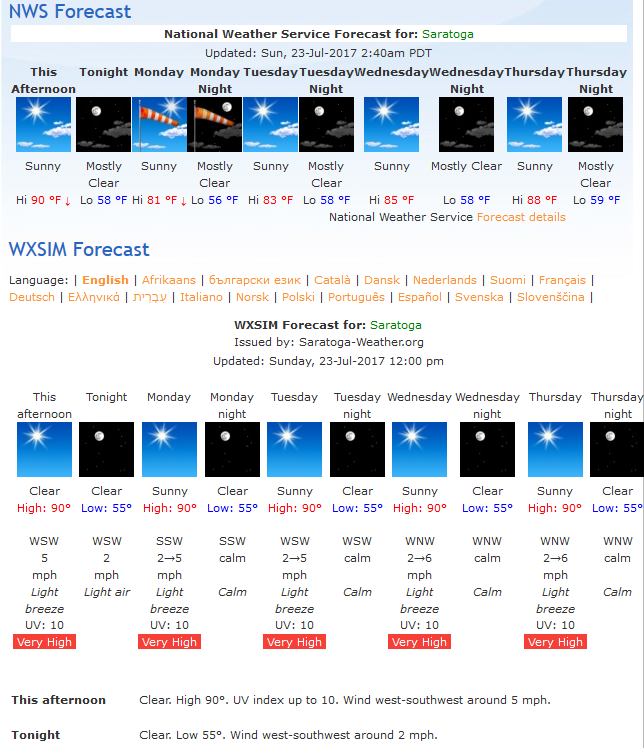
In addition to parsing WXSIM's plaintext.txt file to display general text and weather icons, some scripts include hourly forecasts and interactive graphs. An example of this is the work of Henkka Roblom, of www.nordicweather.net/>, with the specific PHP scripts page at https://www.nordicweather.net/phpscripts.php?en> . This "3-in-1" (general text, hourly details, and graphs) script uses the WXSIM (via wret.exe) file lastret.txt as well as plaintext.txt. Here's an example (actually from Ken True's site, using Henkka's script, as Henkka replaced his own WXSIM output with data from the European Weather Network):
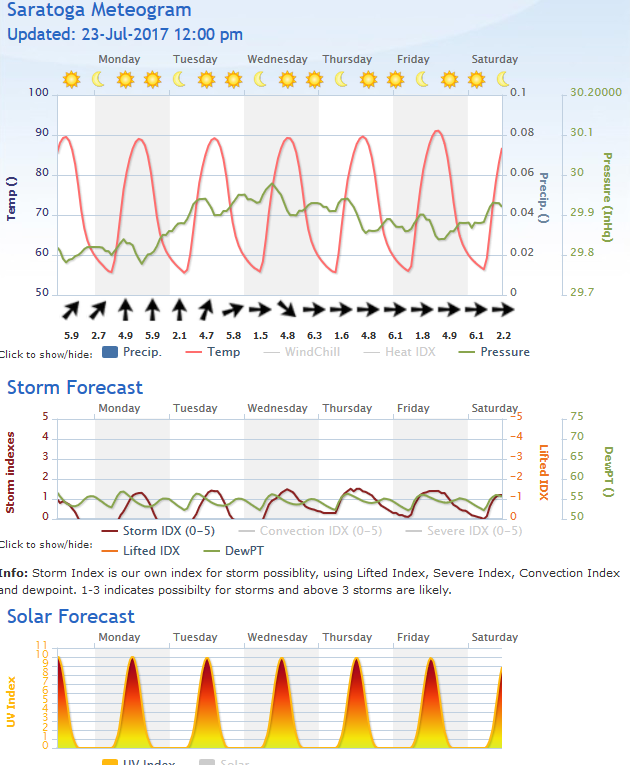
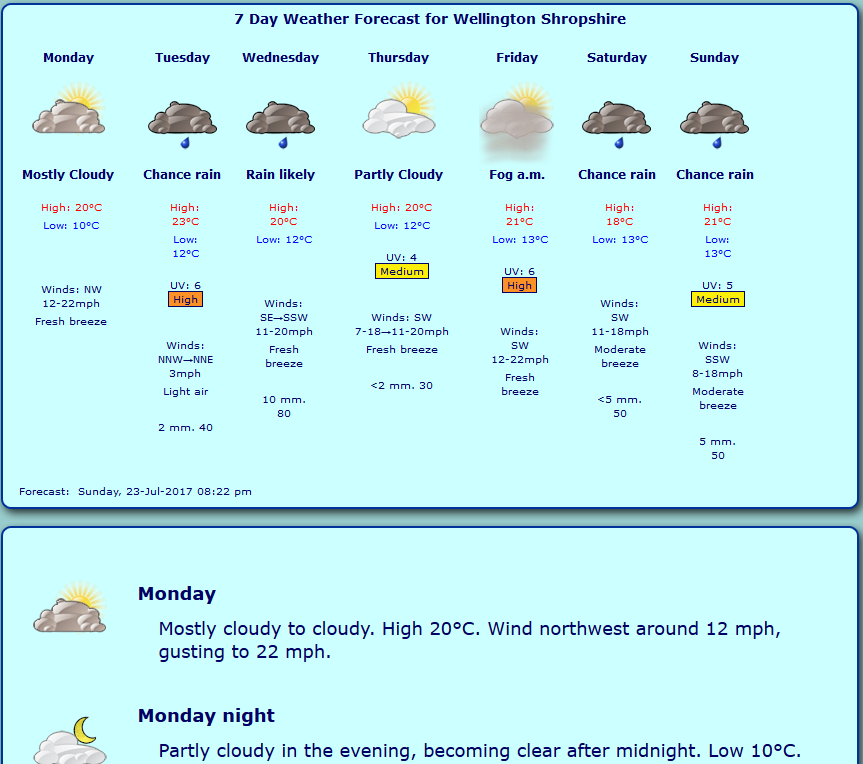
Another of WXSIM's output files which is amenable to use in display scripts is latest.csv. Rob Braiden of www.wellingtonweather.co.uk uses this along with plaintext.txt in his wxsimcsv script, at http://www.wellingtonweather.co.uk/downloads/ . It provides plain text forecast with icons as well as interactive, dynamic graphs. Here is a sample of his graphs:
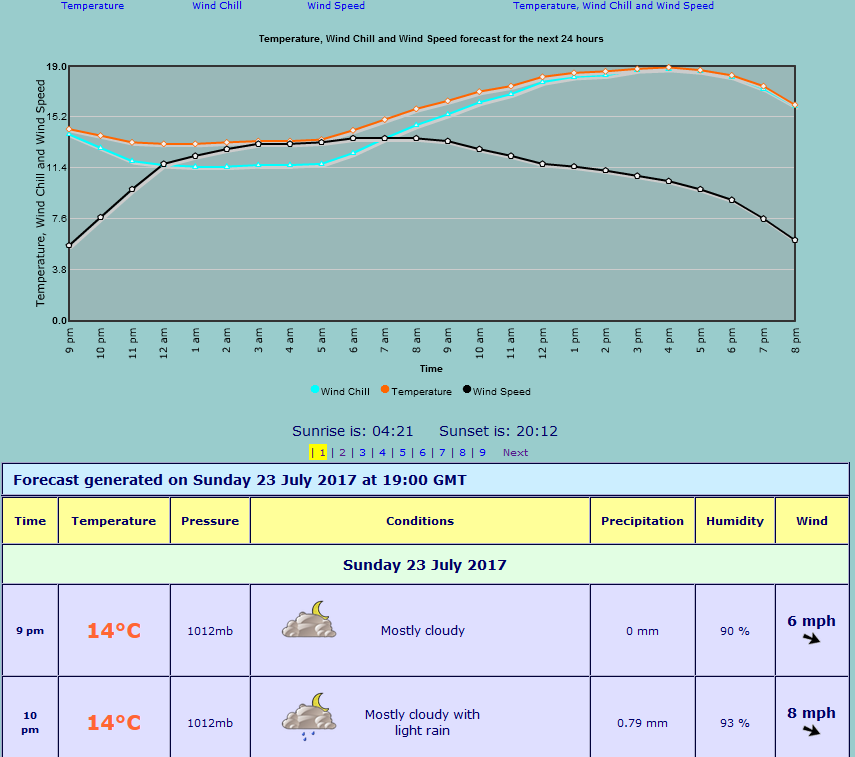
and textual display:
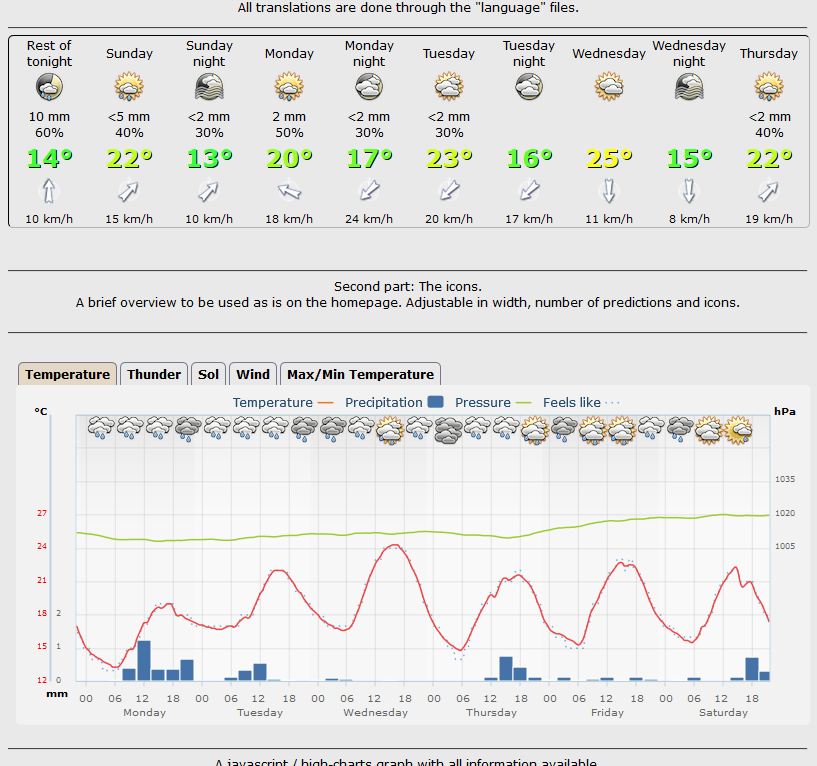
Wim van der Kuil at http://www.weerstation-leuven.be/ has created some excellent scripts, which also employ latest.csv. His demo page is http://www.weerstation-leuven.be/demo/demoWXSIM.php?lang=en Here is a shot of his script's pictoral and graphical display:.
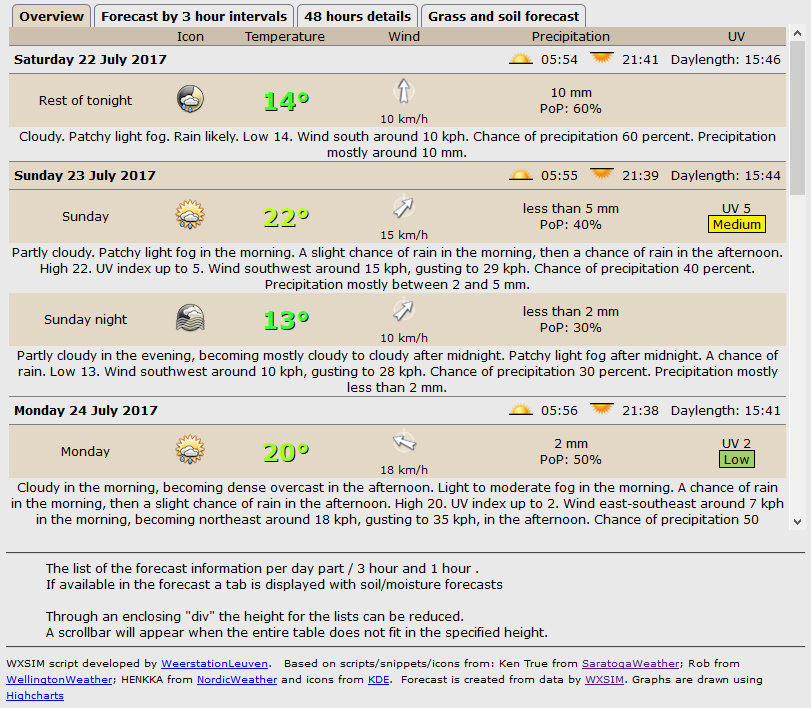
and textual display:
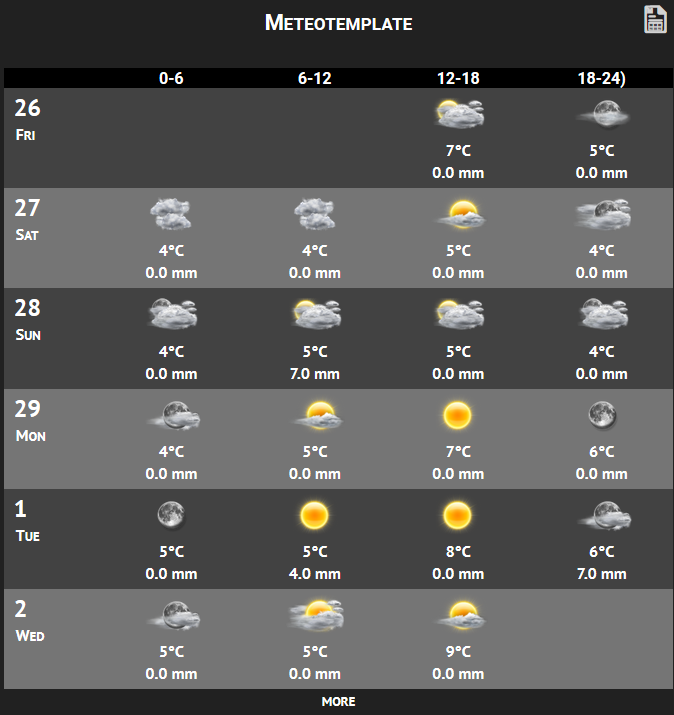
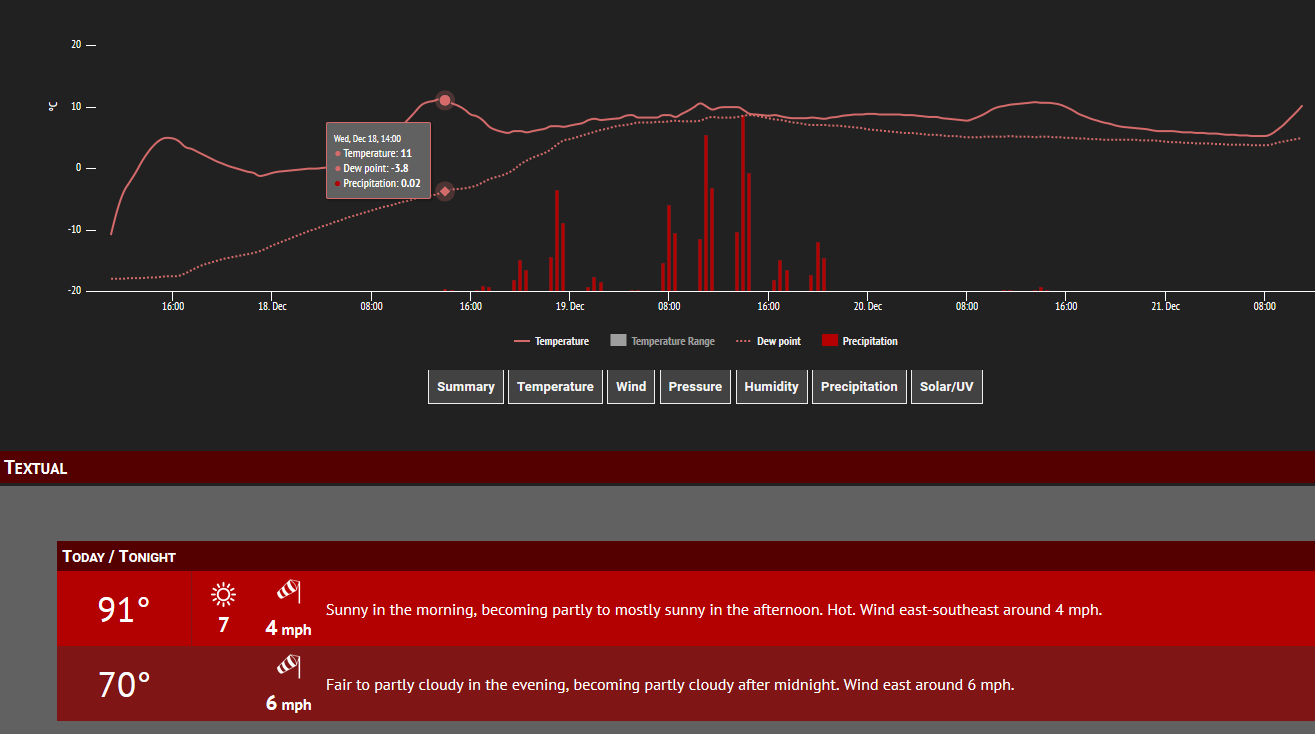
Jachym at www.meteotemplate.com also uses latest.csv and plaintext.txt in his WXSIM display scripts. He has static, but interactive examples at http://www.meteotemplate.com/template/plugins/wxSim/forecast.php and http://www.meteotemplate.com/template/indexBlockDemoWide.php?block=forecast Jachym's text display is in a neat, attractive box format:
and the script also produces interactive graphs:
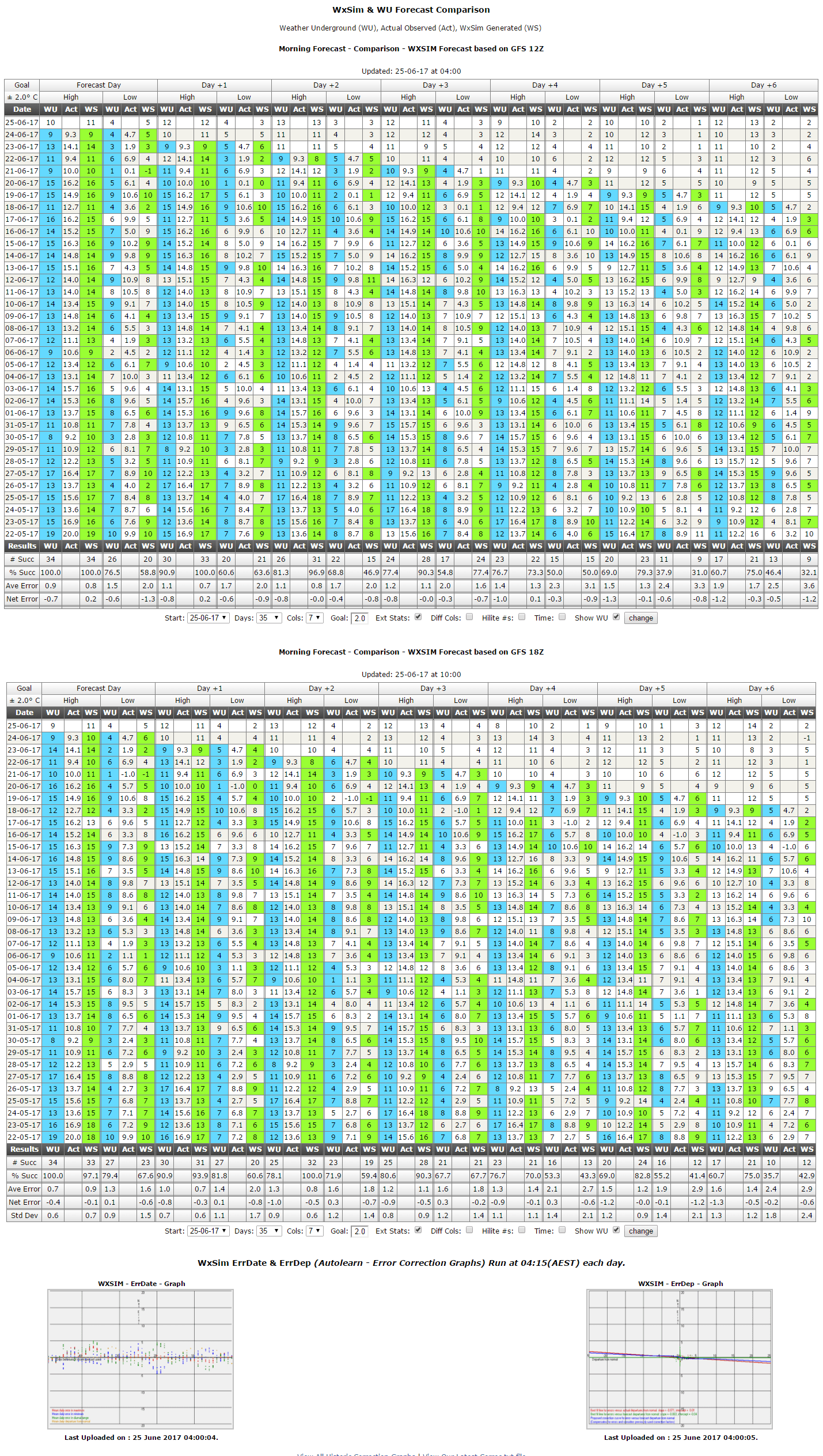
Jim McMurry of Juneau County Weather has written a number of small utilties for WXSIM over the years, some for helping gather data (useful mainly before the McMahon and Bohler GFS parsing systems were created). Probably his currently most widely used script compares WXSIM's results with that of user-chosen other sources, such as the National Weather Service or Weather Underground. This script, along with other non-WXSIM-related ones, is at http://jcweather.us/scripts.php . Here is a sample of his script in action, for a WXSIM user in Huon Valley, Tasmania, Australia (with smaller images from wret.exe's analysis at bottom: